How to Organize Your Recipes Digitally: From Chaos to Collection
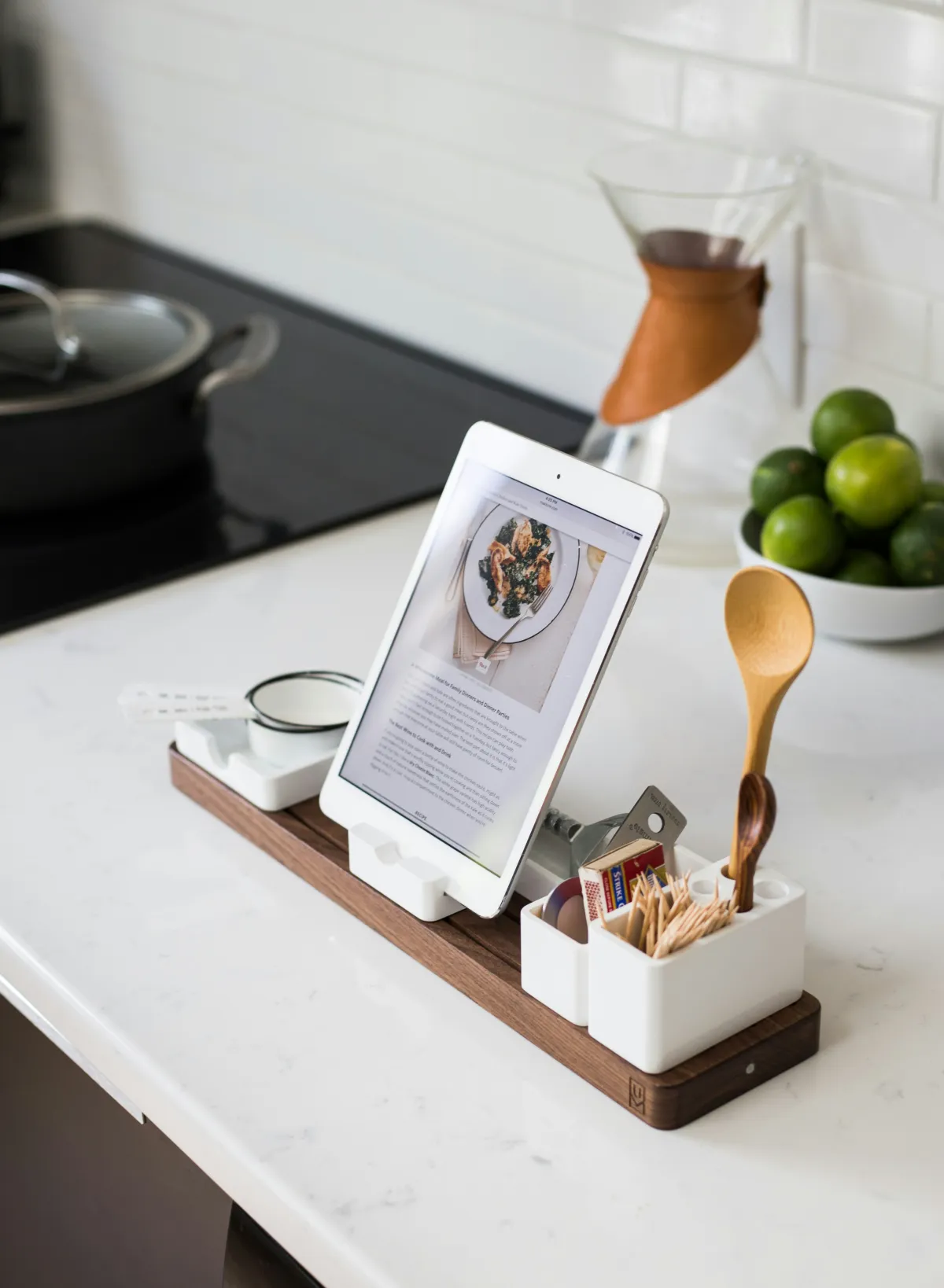
Organizing your recipes digitally means consolidating every recipe you save, bookmark, screenshot, or clip into a single searchable collection that you can access from any device. 91% of US consumers already use online recipes, but most people scatter them across browser bookmarks, social media saves, messaging threads, and paper printouts. The result is a collection you technically have but cannot actually find when you need it.
Why Is Organizing Recipes Digitally So Hard?
The core problem is that recipes come from everywhere. You find them on Instagram, a friend texts you a link, you bookmark something from a food blog, you screenshot a TikTok, and your mom emails you a family recipe as plain text. Each source uses a different format and lives in a different app.
OrganizEat identified five recurring problems that home cooks face with recipe organization:
- Scattered storage: Recipes split across 5 or more apps and formats
- Collection overload: Saving far more recipes than you ever cook, burying the ones you actually use
- Search difficulty: No way to find a recipe by ingredient, cuisine, or cooking time across all your saved sources
- Format fragmentation: Some recipes are URLs, some are photos, some are handwritten cards, some are PDFs
- No connection to meal planning: Saved recipes sit in a dead-end list instead of flowing into a weekly plan and grocery list
The friction is not saving recipes. It is finding them again three weeks later when you need Tuesday’s dinner.
What Are the Options for Storing Recipes Digitally?
There are four common approaches to digital recipe storage, each with different tradeoffs.
| Method | Pros | Cons | Best For |
|---|---|---|---|
| Browser bookmarks | Zero setup, works immediately | No search by ingredient, no images, link rot breaks saved recipes | Occasional cooks saving a few links |
| Notes app (Apple Notes, Google Keep) | Flexible, supports photos and text | No recipe-specific features, manual entry, hard to browse | People who want simple text storage |
| Pinterest or social saves | Visual browsing, easy to save | No grocery list, cluttered with non-recipe pins, no import | Visual planners who browse for inspiration |
| Dedicated recipe app | Import from URL, search, categorize, grocery list integration | Learning curve, possible subscription cost | Anyone with more than 20 saved recipes |
Most people start with bookmarks and social saves because they require no setup. The problems show up at scale: once your collection grows past a few dozen recipes, finding anything becomes a scrolling exercise.
How Do I Start Organizing My Recipe Collection?
The process has three phases: gather, consolidate, and structure. Plan to spend one focused hour on the initial setup, then maintain as you go.
Phase 1: Gather Everything
Before you organize, you need to know what you have. Check these common hiding spots:
- Browser bookmarks: Search for “recipe” in your bookmark manager
- Social media saves: Instagram saved posts, Pinterest boards, TikTok favorites
- Messaging apps: Search for recipe links in your text messages, WhatsApp, and email
- Screenshots: Check your camera roll for recipe screenshots (you probably have more than you think)
- Physical recipes: Family recipe cards, magazine clippings, cookbook pages you reference often
- Other apps: Notes apps, Google Docs, old recipe apps you stopped using
Do not worry about sorting yet. The goal is a complete inventory.
Phase 2: Consolidate Into One Place
Pick a single home for your recipes. The best choice depends on your household:
- Solo cook, minimal needs: A notes app with folders works fine
- Regular home cook: A dedicated recipe app with URL import saves significant time
- Family with shared cooking duties: An app with family sharing so everyone accesses the same collection
For URL-based recipes, apps that can import directly from a web link are the biggest time-saver. Instead of copy-pasting ingredients and instructions, you paste the URL and the app extracts everything automatically.
For physical recipes, take a photo or type them in. This is the most tedious part of the process, but it only happens once. Prioritize the recipes you actually cook regularly (probably 15 to 20) rather than trying to digitize everything at once.
Phase 3: Structure Your Collection
Once everything is in one place, add just enough structure to make recipes findable. Over-organizing is as bad as no organization.
Start with broad categories, not detailed taxonomies:
- Weeknight dinners (under 45 minutes)
- Weekend cooking (longer projects)
- Breakfast and lunch
- Baking and desserts
- Sides and salads
Add tags for how you actually search, not how a cookbook would categorize:
- By protein: chicken, beef, vegetarian, fish
- By effort level: quick, meal prep, slow cooker
- By dietary need: gluten-free, dairy-free, kid-friendly
- By season or occasion: summer grilling, holiday, potluck
The test for your system is simple: can you answer “what should I make for dinner tonight?” in under 30 seconds? If you can filter to “weeknight chicken recipes under 30 minutes” and get useful results, your organization is working.
Should I Keep Physical Cookbooks Too?
Yes, if you use them. NBC News reported that cookbook sales remain strong even as digital recipe usage grows. The two formats serve different purposes: physical books are better for browsing and inspiration, while digital collections are better for searching, scaling, and generating grocery lists.
The practical approach is hybrid:
- Digital: Every recipe you cook regularly, so you can search it, add it to meal plans, and generate shopping lists
- Physical: Cookbooks you enjoy reading, gifted family recipe books, anything with sentimental value
When you find a cookbook recipe you cook often, add it to your digital collection too. That way it shows up in searches and meal planning without replacing the physical book.
How Do I Keep My Recipe Collection From Getting Messy Again?
The biggest risk after organizing is the slow slide back into chaos. Two habits prevent this:
Save With Intent
Before saving a recipe, ask: “Will I realistically cook this in the next month?” If the answer is no, do not save it. A smaller collection of recipes you actually use is more valuable than a massive archive of aspirational cooking you will never attempt.
If you still want to save it for someday, use a separate “to try” list that you review monthly. Anything untouched after two months gets deleted.
Process Regularly
Once a week, spend two minutes:
- Import any new recipes you found during the week
- Remove or archive anything you tried and did not like
- Tag new additions so they are searchable
This maintenance habit is like clearing your email inbox. It takes almost no time if you do it regularly, but becomes a project if you let it pile up.
What Features Matter Most in a Recipe Organizer App?
The recipe app market reached $5.8 billion in 2024 and is growing fast, which means there are dozens of options. Not all features matter equally. Here is what to prioritize:
Must-Have Features
- URL import: Paste a link and get a formatted recipe. This is the single most important feature because it eliminates manual data entry
- Search: Full-text search across recipe names, ingredients, and tags. If you cannot search by ingredient, the app fails its primary job
- Categorization: Folders, tags, or collections to group recipes the way you think about them
- Mobile access: You need your recipes in the kitchen, which means your phone
Nice-to-Have Features
- Grocery list generation: Automatically build a shopping list from selected recipes. This bridges the gap between “I have recipes” and “I have a plan”
- Scaling: Adjust serving sizes and have ingredient quantities update automatically
- Family sharing: Multiple family members access and contribute to the same collection
- Nutrition data: See calorie and macro breakdowns without separate tracking
- Offline access: View recipes without internet, useful in kitchens with poor wifi or while shopping
Red Flags
- No export: If you cannot get your recipes out of the app, you are locked in. If the app shuts down (as Yummly did in 2024), you lose everything
- No URL import: If you have to manually type every recipe, you will stop using the app within a week
- Mandatory social features: Recipe apps that prioritize social feeds over personal organization are solving a different problem
Frequently Asked Questions
- How many recipes do I need to organize before using an app?
- There is no minimum, but the benefits become clear once you have more than 20 saved recipes. Below that, a notes app or simple bookmark folder works fine. Above that, search and categorization features start saving real time.
- Can I import recipes from physical cookbooks?
- Yes. Most recipe apps let you manually enter recipes. Some offer OCR (photo-to-text) features that can scan a cookbook page, though accuracy varies. For your most-cooked recipes, the one-time effort of typing them in is worth it for the search and grocery list benefits.
- What happens to my recipes if an app shuts down?
- That depends on the app's export features. Before committing to any recipe app, verify that it supports exporting your data in a standard format. The Yummly shutdown in 2024 displaced millions of users and highlighted why data portability matters. Look for apps that let you export as JSON, CSV, or at minimum plain text.
- How do I share recipes with family members?
- Some apps support shared collections where multiple users can view and edit the same recipe library. This is useful for households where more than one person cooks. The alternative is sharing individual recipe links, but that puts you back in the scattered-across-messaging-apps problem.
- Should I organize by meal type, cuisine, or ingredient?
- Use whatever matches how you think about cooking. Most people search by "what protein do I have?" or "what can I make quickly tonight?" rather than by cuisine. Tags let you apply multiple labels to a single recipe, so you do not have to choose one system. A chicken stir-fry can be tagged as both "chicken" and "weeknight" and "Asian-inspired."
- Is it worth digitizing old family recipes?
- For recipes you actually cook, absolutely. Digitizing them makes them searchable, shareable with family members, and protected from physical damage. Recipinned's image import feature uses AI to convert a photo of a handwritten or printed recipe card into a fully structured recipe (ingredients, quantities, and steps) in seconds. For sentimental recipes you rarely cook, consider photographing the original cards anyway to preserve both the content and the handwriting.
Summary
- 91% of US consumers use online recipes but most scatter them across bookmarks, screenshots, and social saves
- The core problem is not saving recipes; it is finding them again when you need them
- Organize in three phases: gather everything, consolidate into one app, then add lightweight structure
- Use broad categories (weeknight dinners, weekend cooking) and search-oriented tags (by protein, effort level, dietary need)
- The most important app feature is URL import, which eliminates manual data entry
- Always verify an app supports data export before committing your collection
- Maintain with two minutes per week: import new finds, remove duds, tag additions
Published: