How to Make a Thanksgiving Shopping List
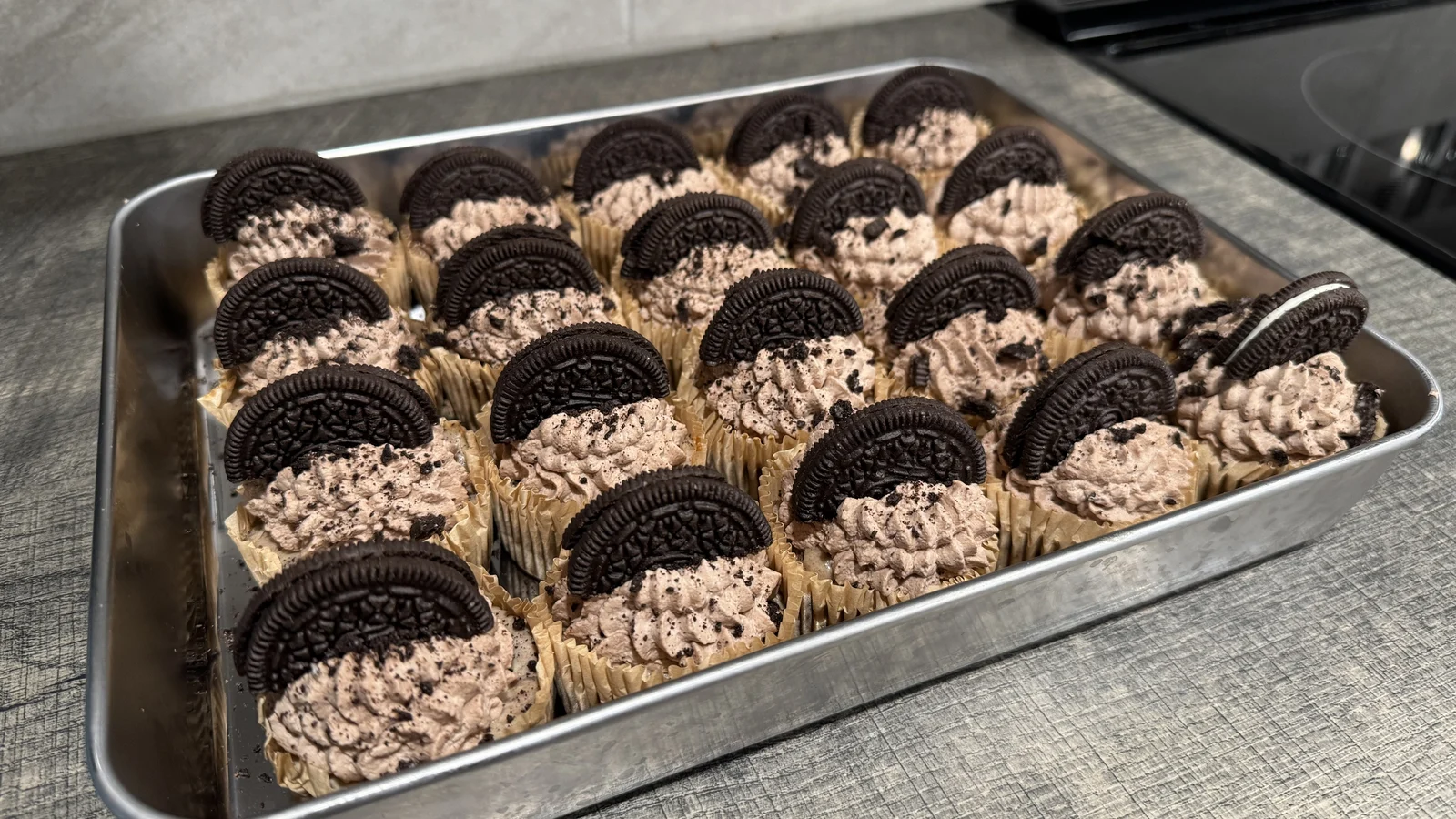
I usually remember everything for my mini cheesecake cupcakes. It’s the whipped cream I forget. This time I made a shopping list called “Thanksgiving” in Recipinned and put everything on it. Then I walked through the kitchen and checked off what I already had. The whipped cream made it home this time.
Give Thanksgiving its own shopping list
Start with what you’re making and how much of it you’ll need. If you’re doubling a batch of cheesecake cupcakes, put the ingredients for two batches on the list. Add the sides you’re making and leave out the dishes other people have offered to bring.
In Recipinned, you can keep Thanksgiving separate from your everyday groceries. Open the Thanksgiving list and pick several saved recipes at once. If you’ve turned on Plan by servings, you can adjust the servings as you add each recipe. You don’t need to put the recipes on your meal plan first.
Add two recipes, double the cheesecake servings, and check off two pantry items. The heavy cream stays on the list.
Before you close the list, add anything that isn’t in the recipes. That might be rolls from the bakery, foil for covering a casserole, or heavy cream to whip for dessert.
Check the kitchen before you shop
Take the full list through the pantry, fridge, and freezer. Check an item off when you have enough for the dishes you’re making. If you’re halfway through a carton of eggs, count what’s left before you cross eggs off the list.
If you’re short on something, leave it on the list and make a note of how much you still need to buy. It’s easier to figure that out while the carton is in front of you than in the dairy aisle.
Shop from what’s left
At the store, start with the unchecked items. If you’re wondering why you need that much cream cheese, the Recipinned list shows which recipe it came from.
Prefer a paper list? Open More actions and select Print.
If you’re using Recipinned, here’s how to build a shopping list from saved recipes, including where to turn on scaling and how to add something by hand.