Submitting Feedback or Bug Reports
Your feedback helps us improve Recipinned! Whether you’ve found a bug, have a feature request, or need assistance, we have an easy way for you to reach our support team.
How to Submit Feedback
-
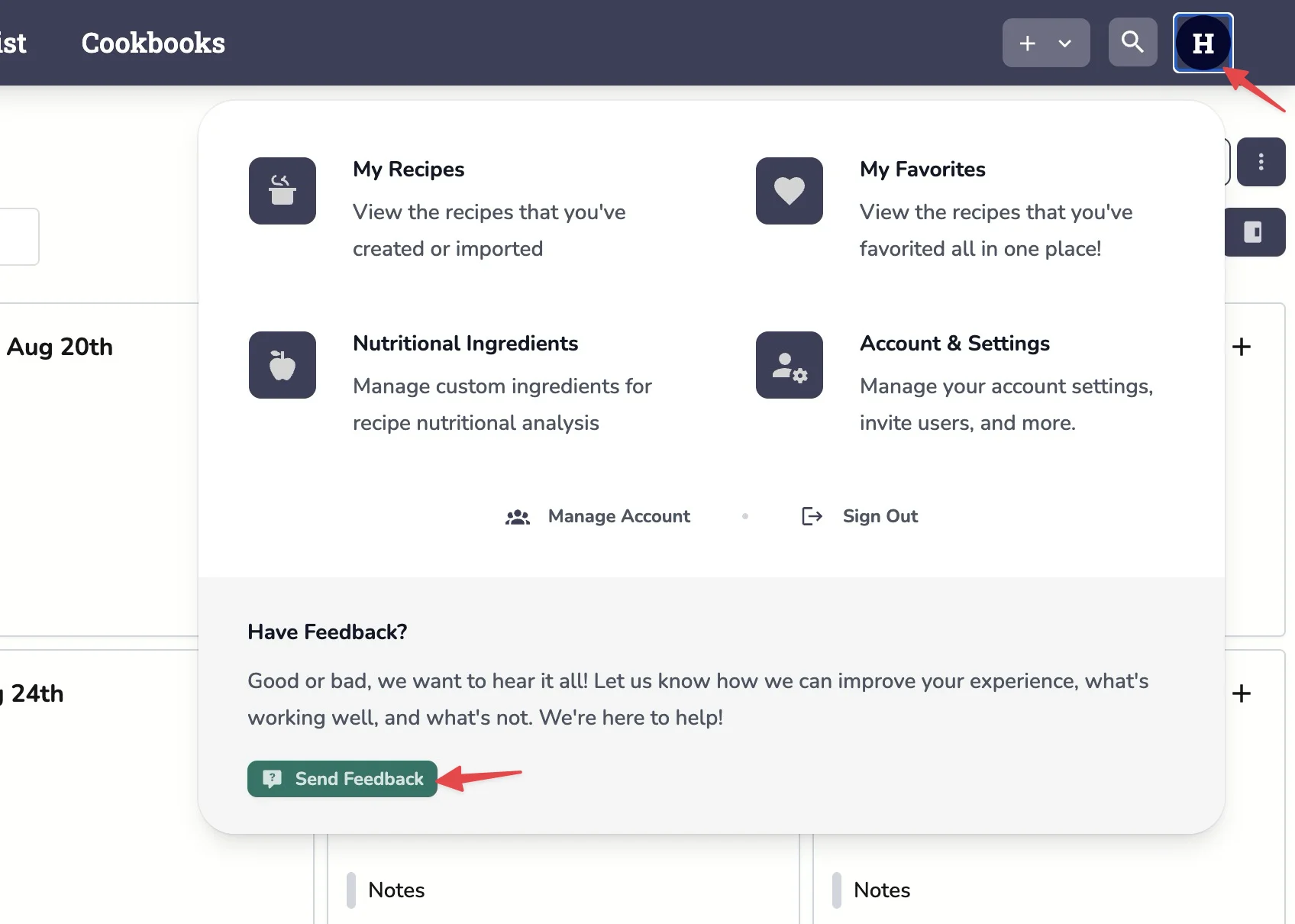
Open the User Menu
- Click on your profile picture or username in the top right corner
-
Select “Send Feedback”
- Click the “Send Feedback” option in the dropdown menu
- Fill Out the Form
- Describe your issue or suggestion
- Include specific steps if reporting a bug
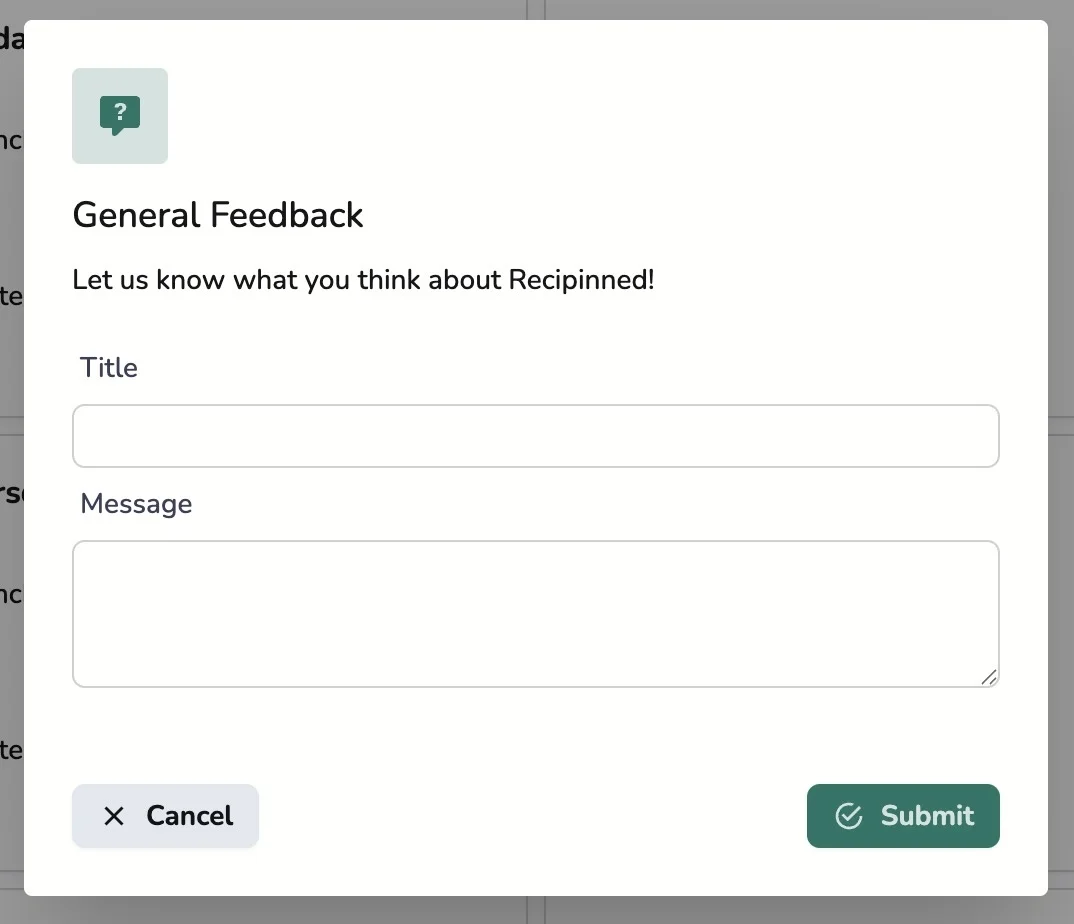
- Submit
- Click “Submit” to send your feedback to our support team
Alternative Support
Email: [email protected]
Last revised: